Parent Messaging

Keep parents informed—without chasing or extra apps.

Zooza keeps your communication on-brand and on your own website. Confirmations, reminders, changes, payments, attendance recaps, make-up invites—sent automatically by email or WhatsApp, with links to the Parent Portal where families can pay, manage absences, book make-ups, download invoices, and share access with co-parents or grandparents.

Why Zooza for parent communication

Make paying attention easy—for parents and for you.

On your site, under your brand

No portal hops or forced app downloads.

WhatsApp/email, out of the box

each parents where they actually read.

Clarity on the essentials

“When is class?”, “Is it cancelled?”, “I can’t come”, “How do I pay?”—all covered.

Parent Portal

Fewer back-and-forths — Self-serve payments, make-ups, invoices, and updates.

Built for kids’ activities

Age/level rules, siblings, locations—messages show only what’s relevant.

Templates you can trust

Best-practice journeys prebuilt; switch on/off and edit the parts you need.
How it works

parent communication in class
parent communication in class mobile

What you can configure

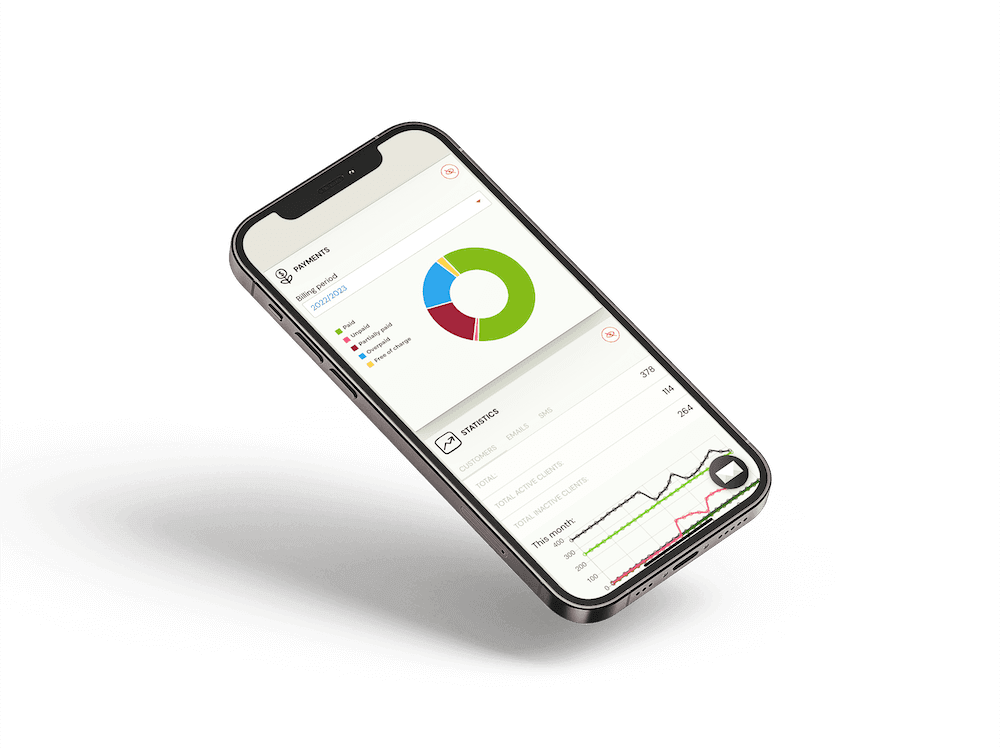
Free iPhone 12 Mockup 3 1

Communicate clearly— automatically, on your site.

No credit card needed.

We’ll show you what’s possible.

FAQ – What people usually ask before starting

No. Messages link to your website and the Parent Portal—fully branded and mobile-friendly.

Yes. Use pre-approved WhatsApp templates alongside email for confirmations, reminders, changes, and re-enrol prompts.

Parents can follow links to the Portal to update details, manage absences, book make-ups, and pay. You control reply-to behaviour on email/WhatsApp.

Absolutely. Enable/disable each touchpoint per product or location and edit the templates.

Invite them to the same child profile with the appropriate permissions—no shared logins needed.

Yes. Use location-level branding, sender details, and templates while keeping standards at HQ.