One planner for the whole year
Build a full school year on one screen; auto-skip local holidays and breaks.
Plan sessions, terms, camps, workshops—even open hours—without the chaos.
Whether you run one location or twenty, courses or camps, Zooza adapts to your setup — and automates what slows you down.
Build a full school year on one screen; auto-skip local holidays and breaks.
Weekly terms, rotating rooms, multiple instructors, online/offline in one flow.
Shift a block, move rooms, change times, cancel or duplicate with multi-select.
Assign a substitute; parents and instructors get notified automatically.
Mark make-ups/bonus sessions as non-billable for clean invoicing.
Duplicate classes or entire terms to new dates/locations with adjusted capacity rules.
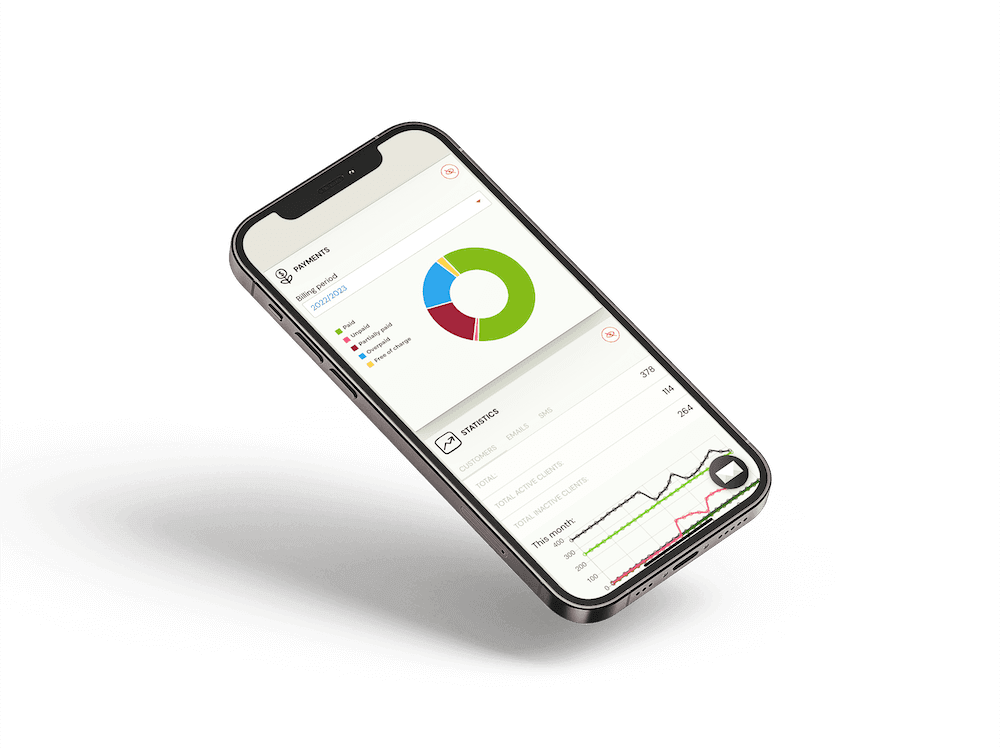
Personal calendar + dashboard with today’s classes, changes, and quick actions.
Create, move, or cancel sessions from your phone; everyone sees updates in real time.
Embed Zooza on your site, keep families on your brand, and let the platform handle the operational lift behind every class.
